Finalize My Loan Functionality
Last updated: August 20, 2026
What is Finalize My Loan?
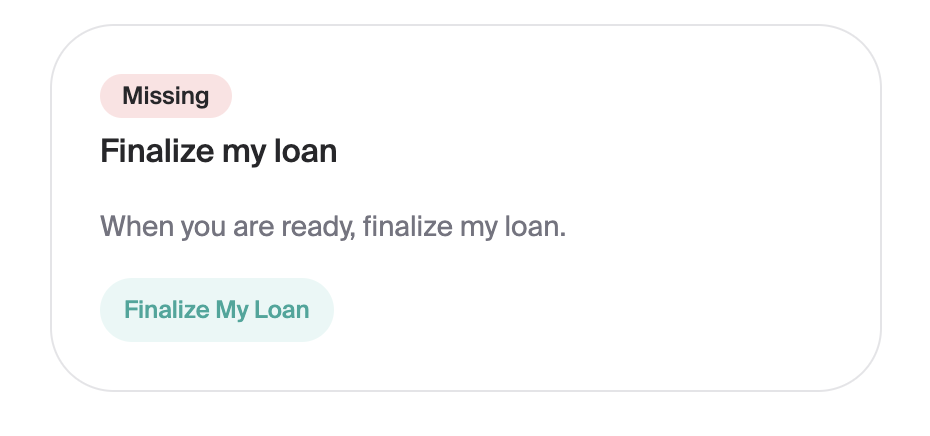
Finalize My Loan is a special variant of an applicant task that is shown to users who have completed all of their stipulations and have an approved loan. The functionality can be disabled/enabled upon request.
The task itself is quite simple, it just prompts the user to click "Finalize My Loan".
Why use Finalize My Loan
The common use case for Finalize My Loan is to notify lenders that the user has completed their tasks and would like to move forward with their loan application. The next step would be to generate loan documents for the user to sign.
Why you may not want to use Finalize My Loan
There could be a number of reasons why Finalize My Loan is not the right option for your institution depending on your workflow and process. The 2 most common reasons are:
Your LOS does not have support for receiving the notification (for example, the LOS does not allow for a loan app to be moved to a certain queue when the user clicks the button)
Your institution will automatically generate and send loan documents to the user as soon as they have completed the stipulations. In this case, Finalize My Loan adds a redundant step that can be skipped.
What happens when the user clicks "Finalize My Loan"?
The resulting action will vary depending on what your LOS can support and your desired behavior. Below are the most common examples:
Move the loan application to a queue (e.g. a "Finalize" queue)
Add a note to the loan application (some LOS' can automatically move the loan to a specified queue based on key words in the note)
Update the loan summary PDF and upload it to the loan application
See here for more information on LOS support
How to get started with Finalize My Loan
Reach out to our DPM contact to enable the functionality, along with details on how you would like the notification to appear in your LOS.