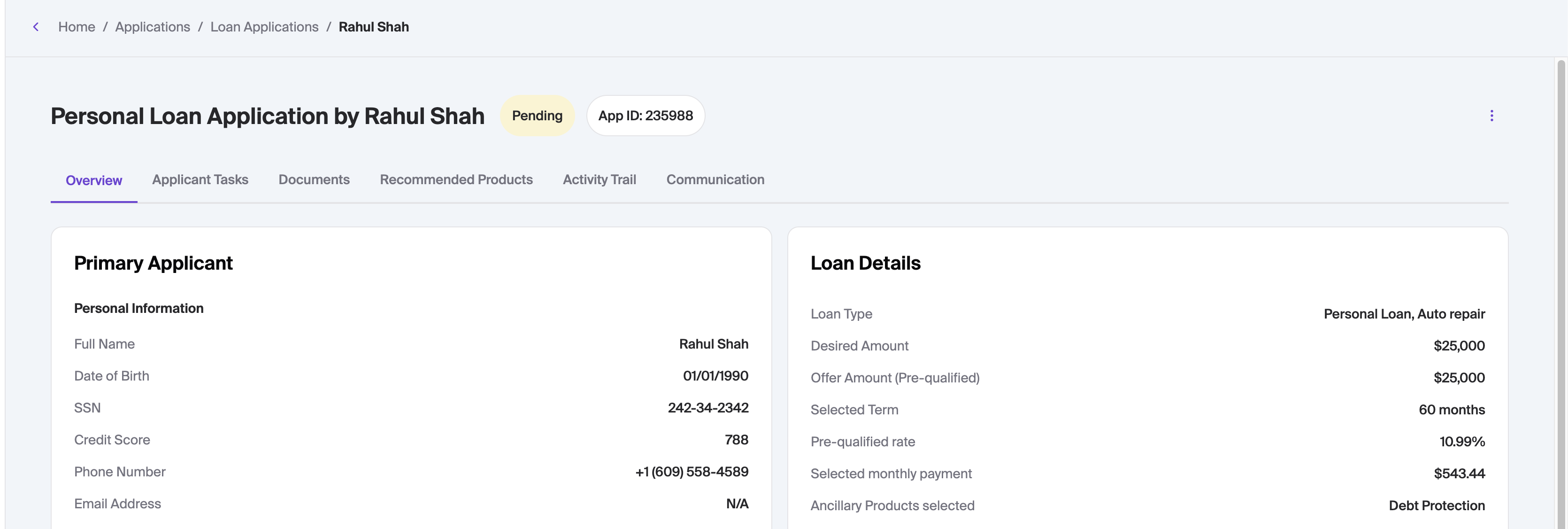
Digital Loan Applications: Add/Edit
Last updated: July 23, 2026
The add/edit functionality allows staff to:
Create and submit new applications.
Example use case: User comes into a branch in-person looking to apply for a loan.
Edit un-submitted applications, complete the required data and submit.
Example use case: Staff calls user to check-in on their incomplete application and the user provides the final details over the phone.
Create New Application
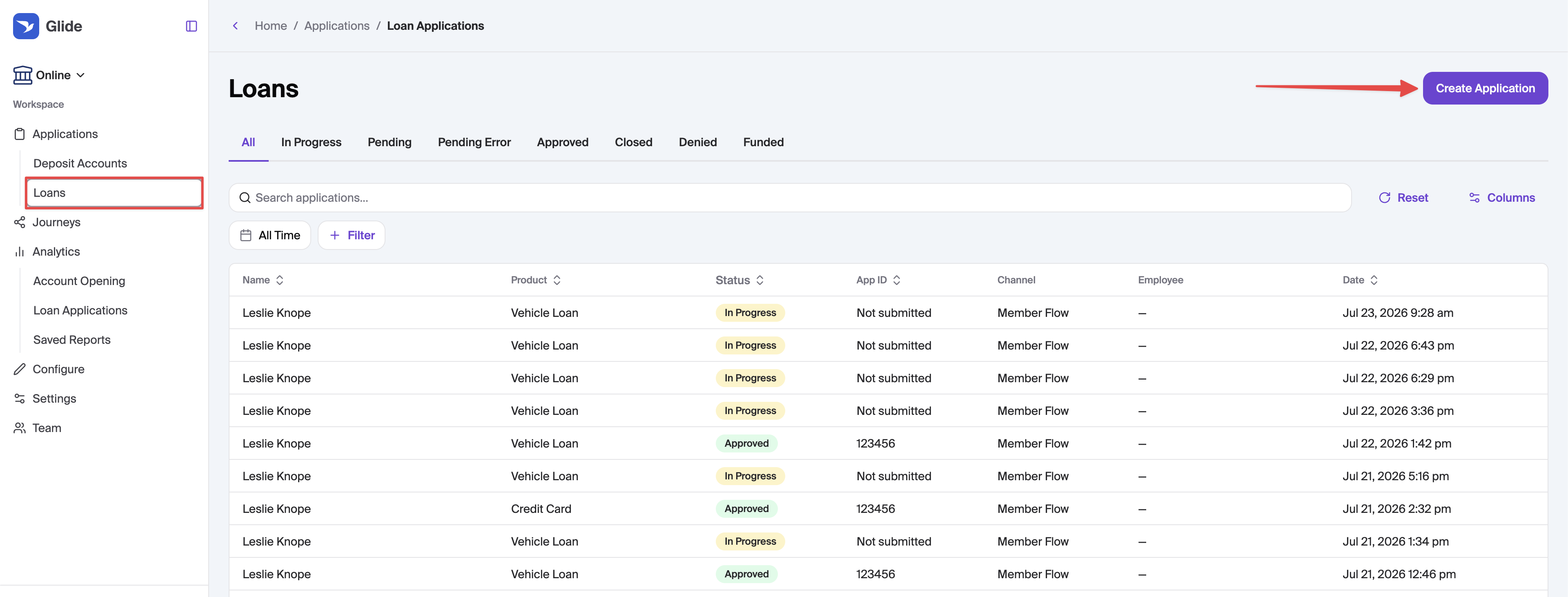
In the Glide dashboard, navigate to Loan applications and then click Create Application. This will take you to the start of the in-dashboard application flow.
Edit Existing Application
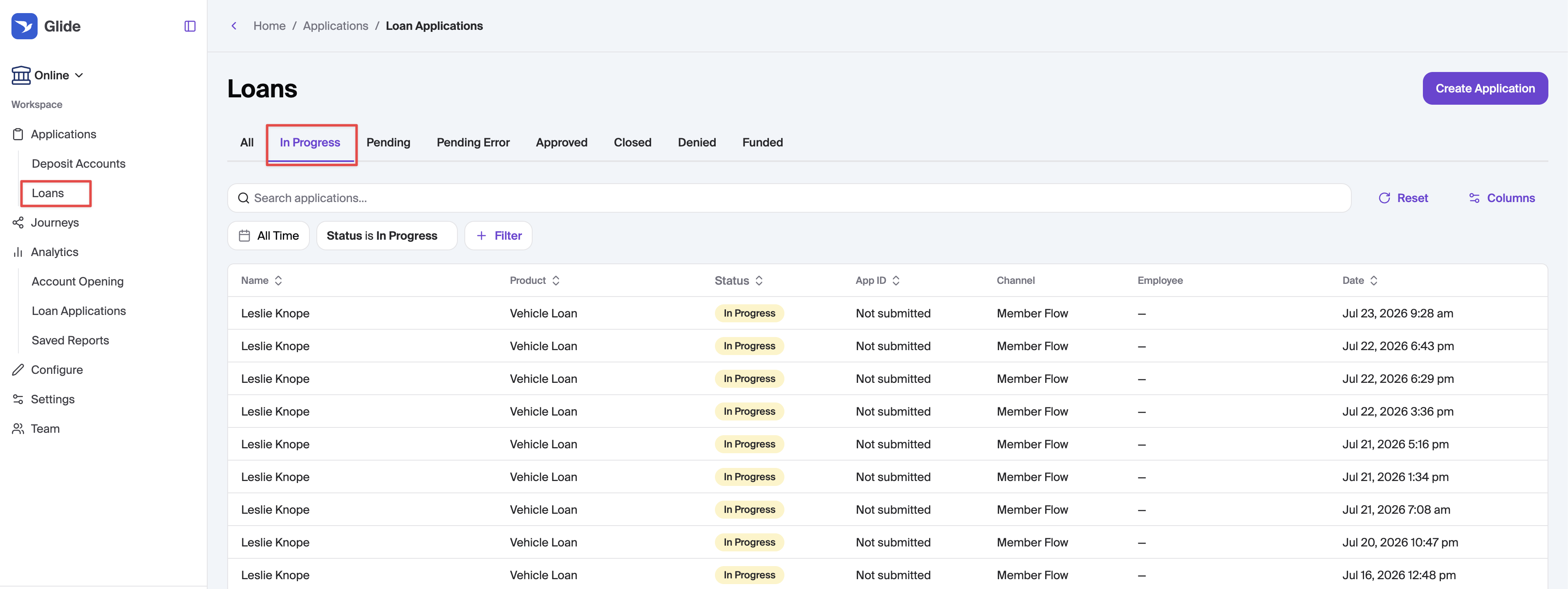
In the Glide dashboard, navigate to Loan applications, find an In Progress application and open it.
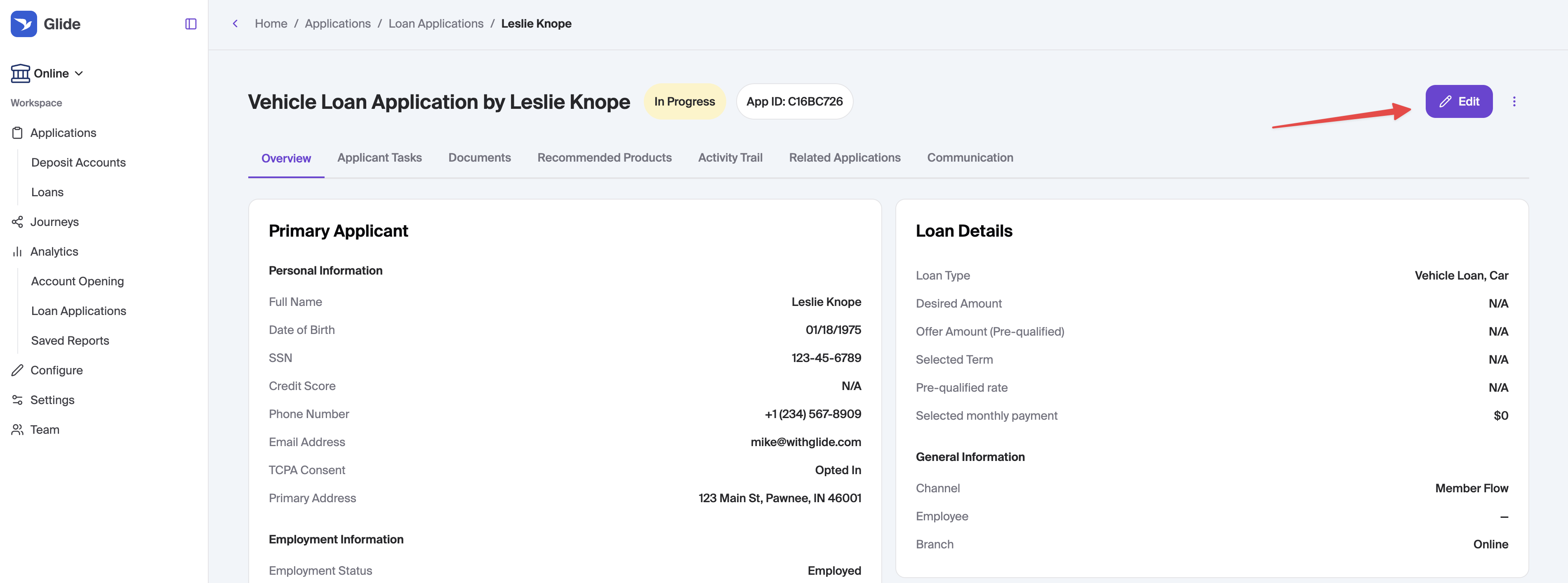
In the application view, there will be an Edit button at the top right. This will drop you into the in-dashboard application flow at the step the user dropped off at.
Application Process
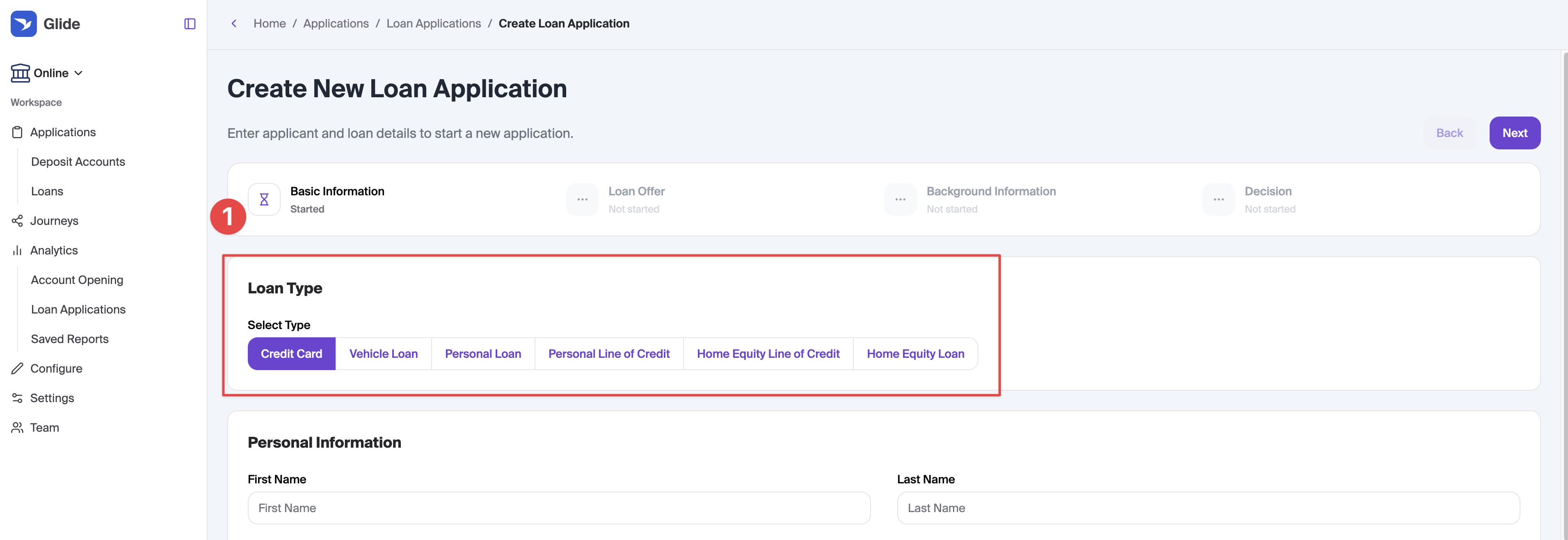
Page 1 - Basic Information
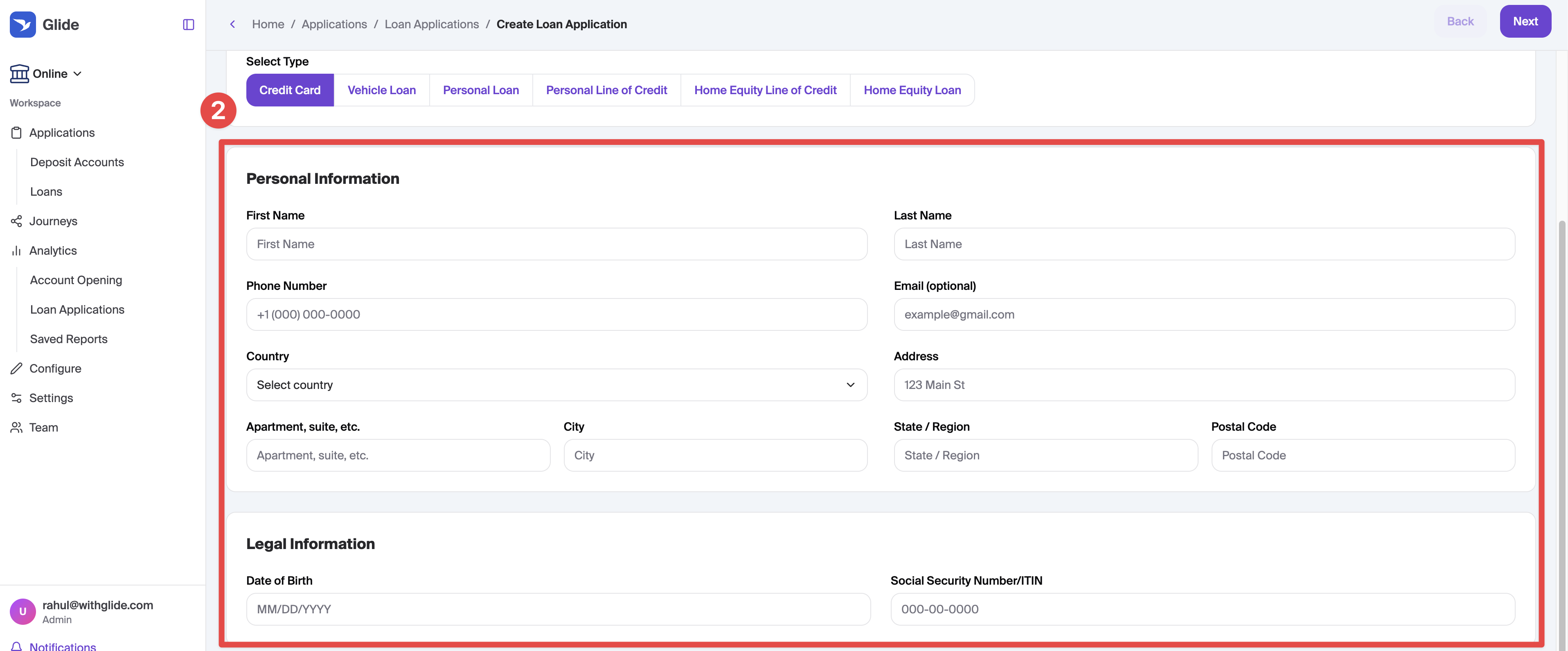
On this page you will:
Select the loan type (e.g. Personal Loan)
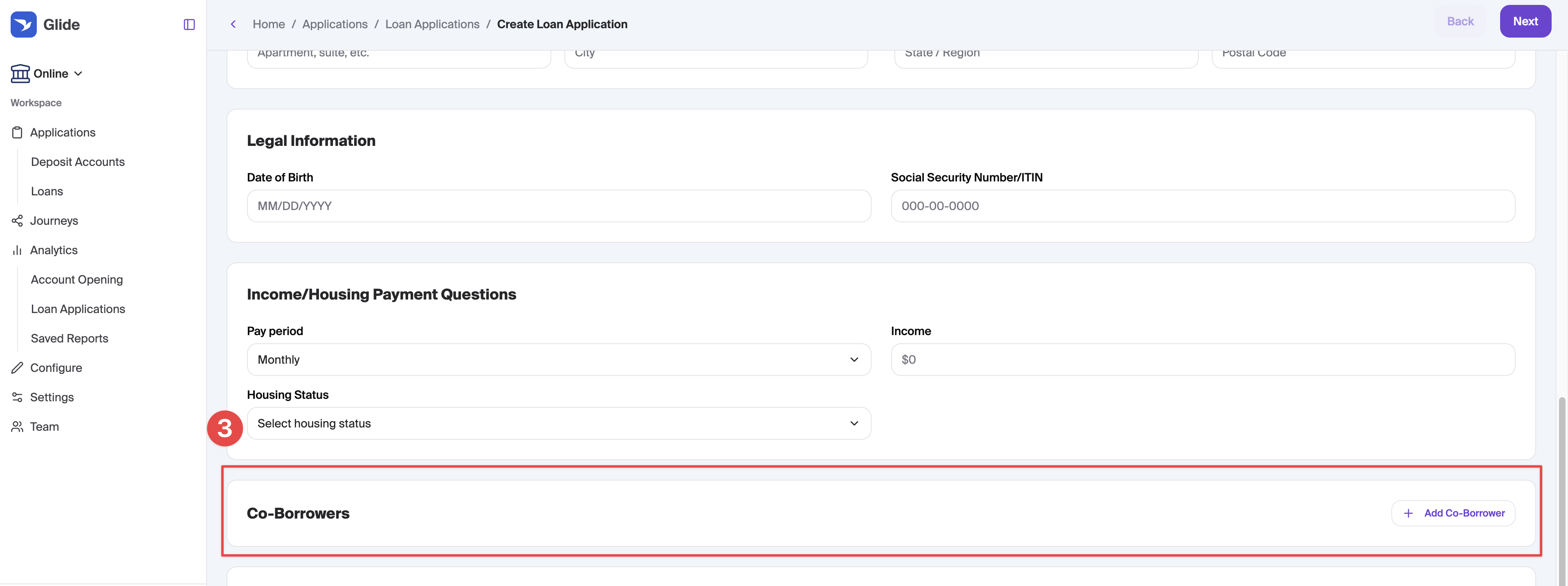
Enter the users PII including name, dob, address, SSN, phone # and housing payments
Add co-borrowers
Enter information specific to the loan being applied for
Credit Card Specific Information
N/A - No additional Details needed
Vehicle Loan Specific Information
Add loan type (e.g. lease buyout), Vehicle category (e.g. recreational) and Vehicle Subcategory (e.g. RV)

Depending on the selections made, and your configurations, additional questions may appear
Vehicle Details:

Finance Trade-in:

Refinance Current Loan Details:

Refinance Cash out Amount:

Lease Information:

Personal Loan Specific Information
Enter a loan purpose

Personal Line of Credit Specific Information
N/A - No additional Details needed
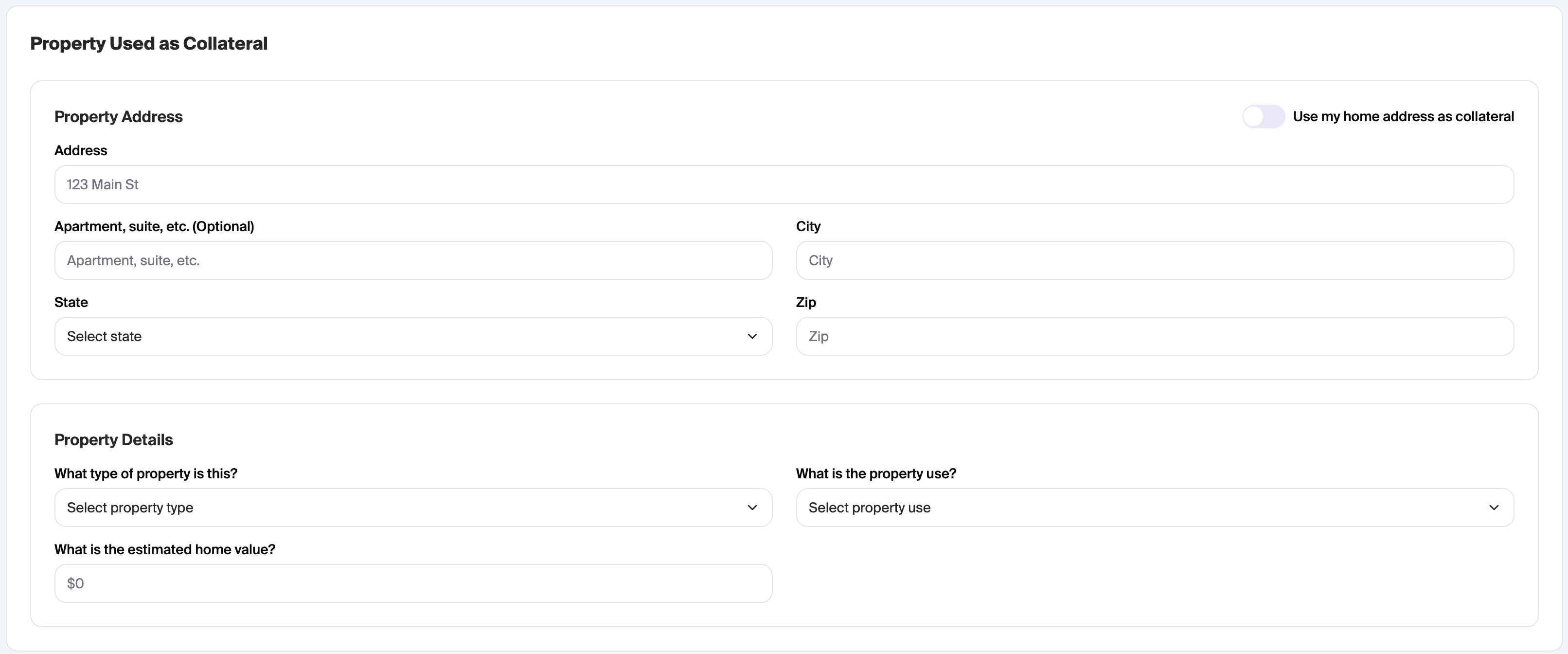
Home Equity Line of Credit and Home Equity Loan Specific Information
HMDA Questions

Loan amount and purpose

Property Address, Use, Type and Value
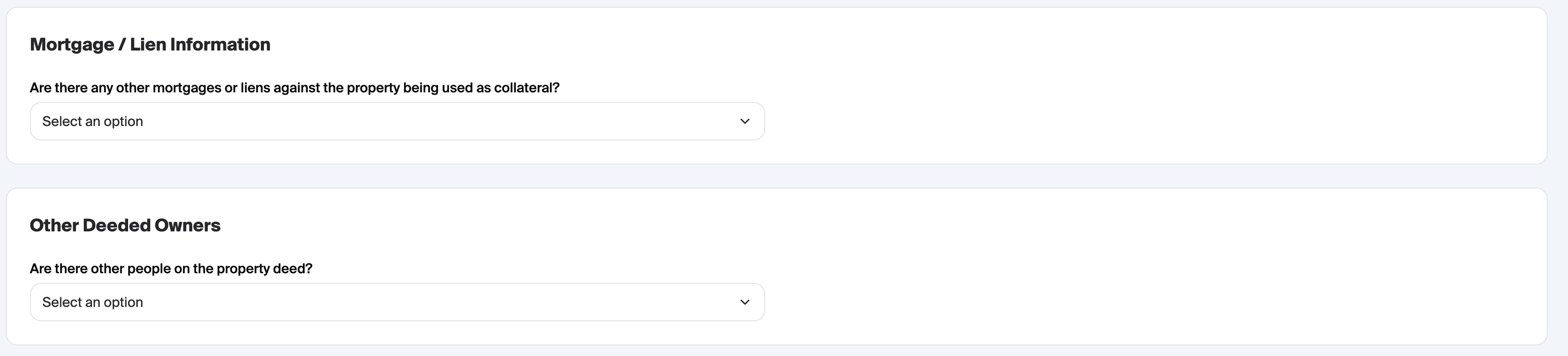
Mortgage/Lien information and Other Deeded Owners:
Page 2 - Loan Offer
On this page is where loan related selections will be made, including the amount and term of the loan.
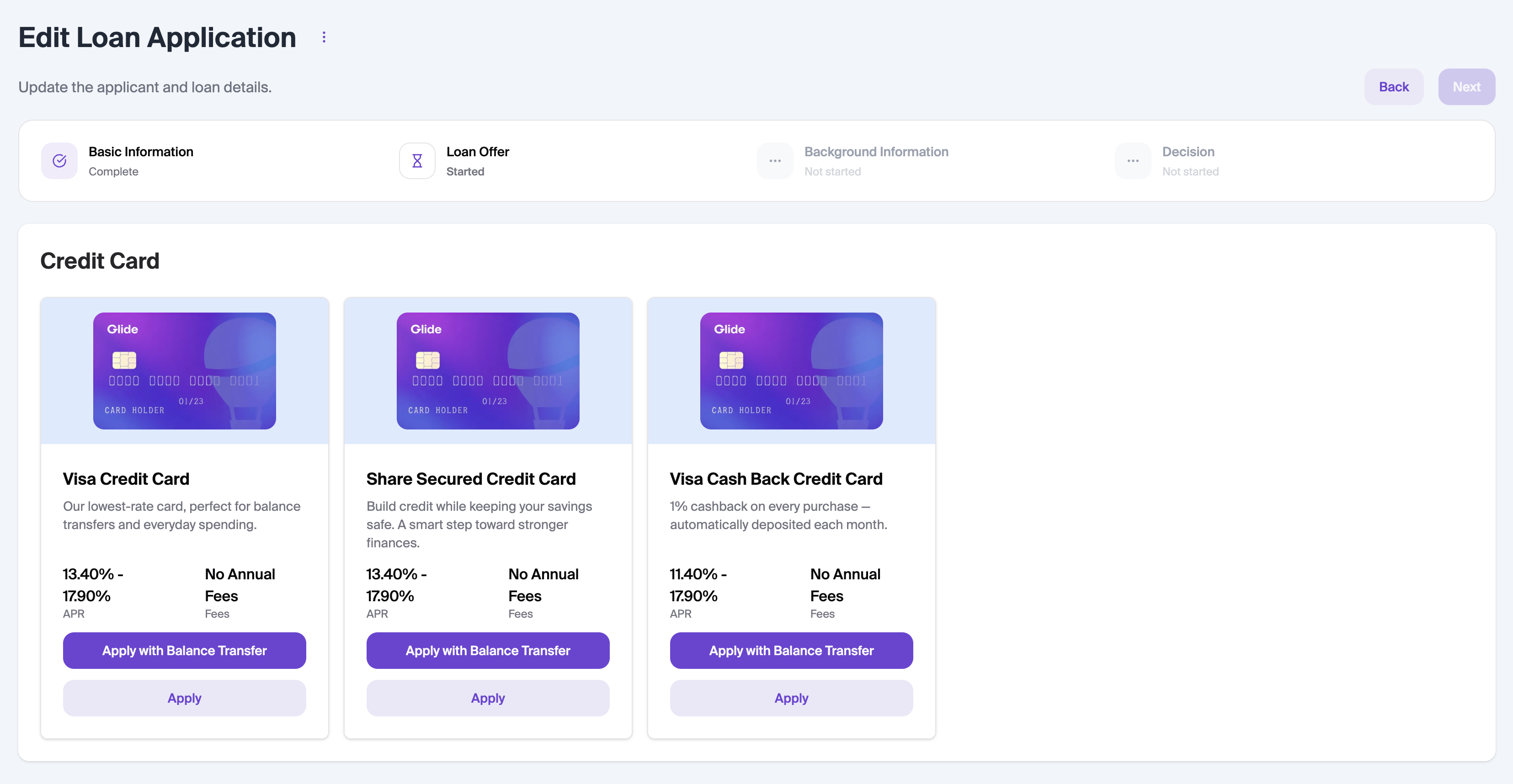
Credit Cards
On this page, you will see the credit card options available to the user
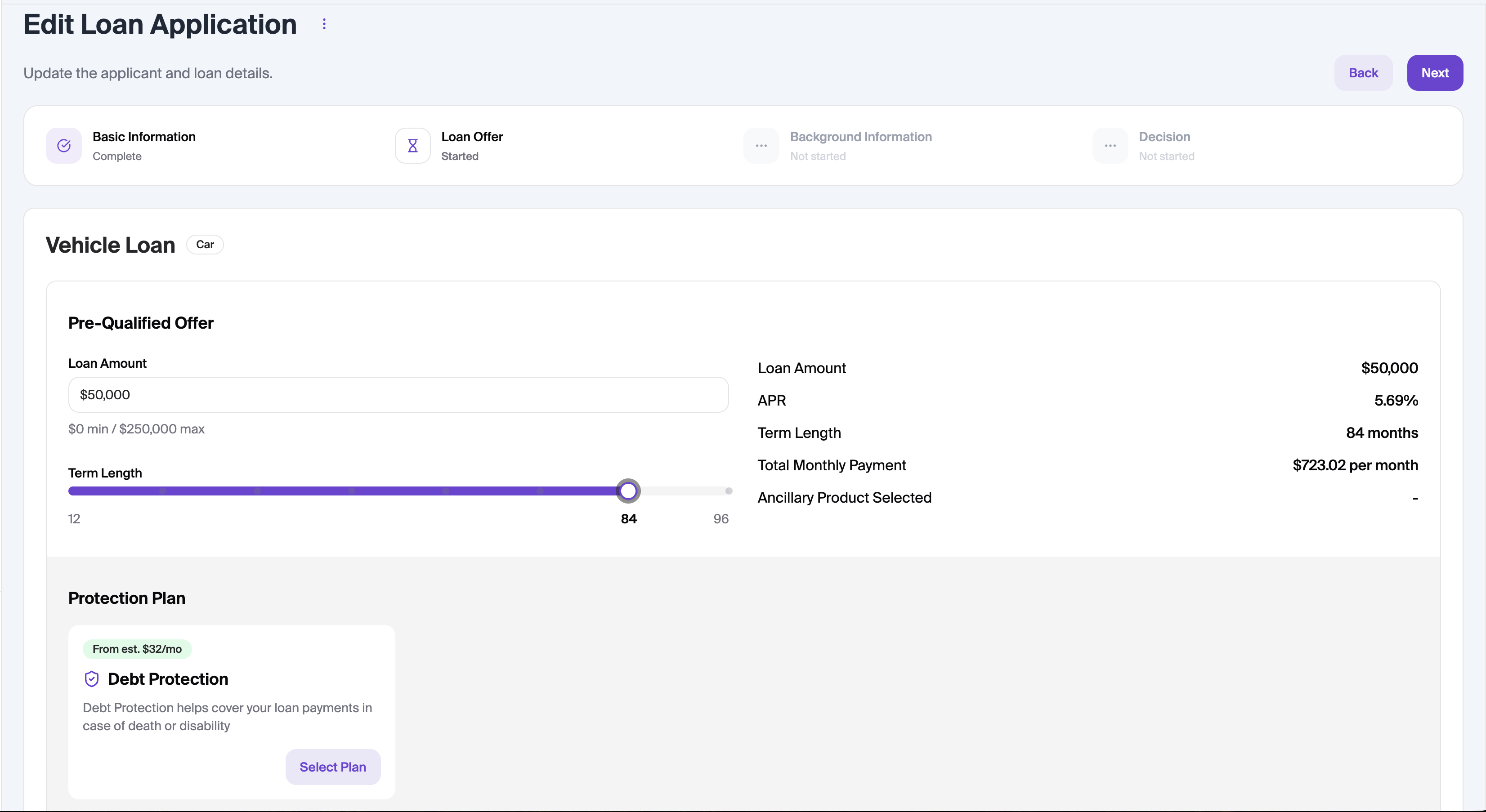
Vehicle Loans and Personal Loans
The loan amount and term length can be selected as well as any eligible ancillary products.
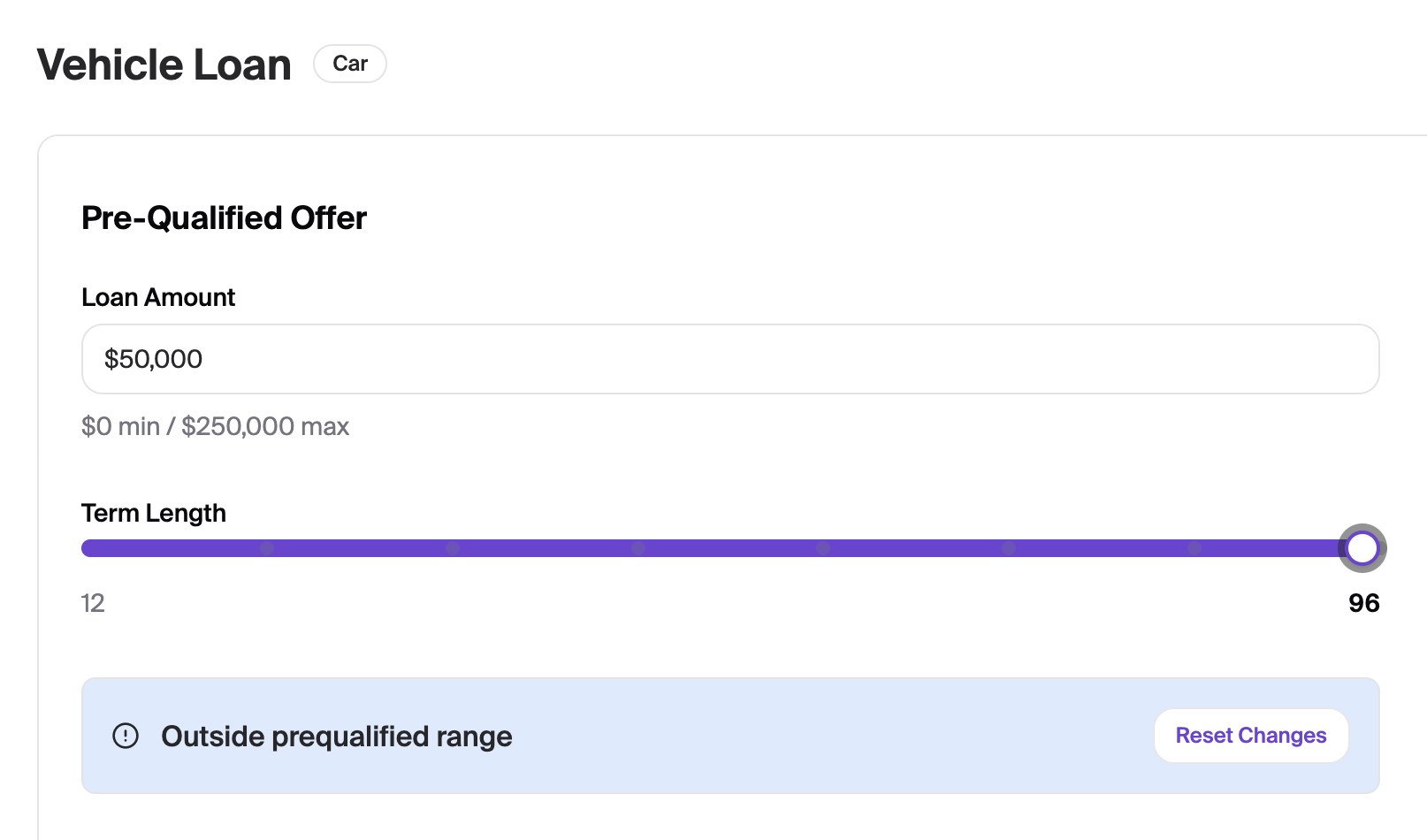
If a selection is made that is not pre-qualified, a banner will appear to notify you
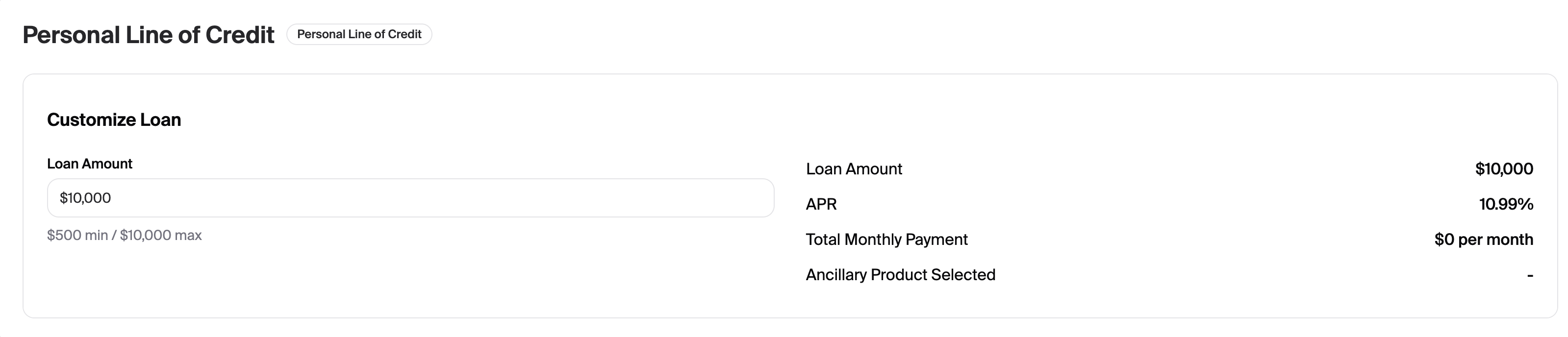
Personal Line of Credit and Home Equity Line of Credit
The credit limit can be selected as well as ancillary products if applicable
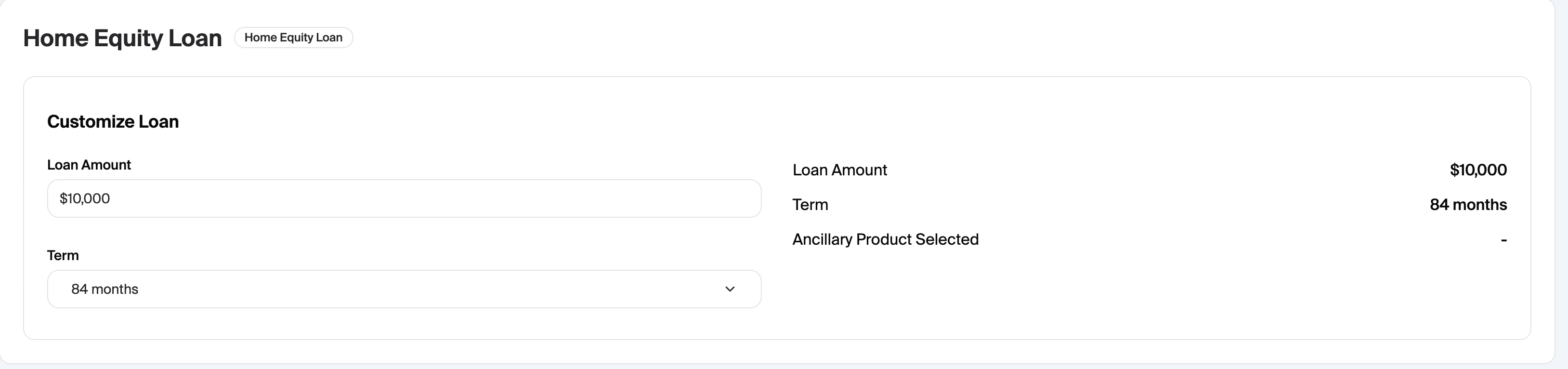
Home Equity Loan
The loan amount as well as desired term can be entered
Page 3 - Background Information
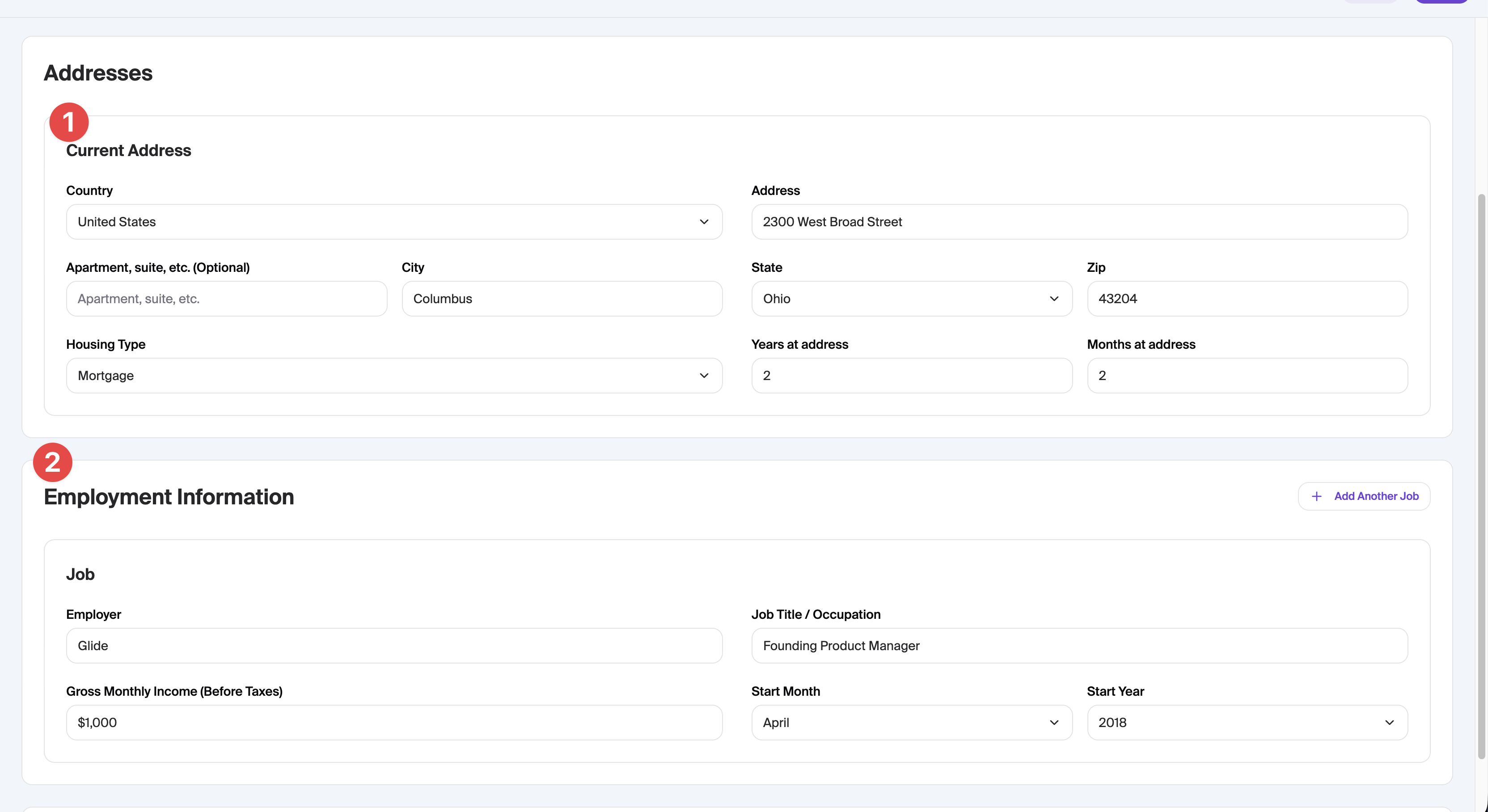
On this page, we collect additional information:
Housing length
Employment information and length
Additional Sources of income

Page 4 - Decision
On this page you will see a summary of the application and can submit the application once ready
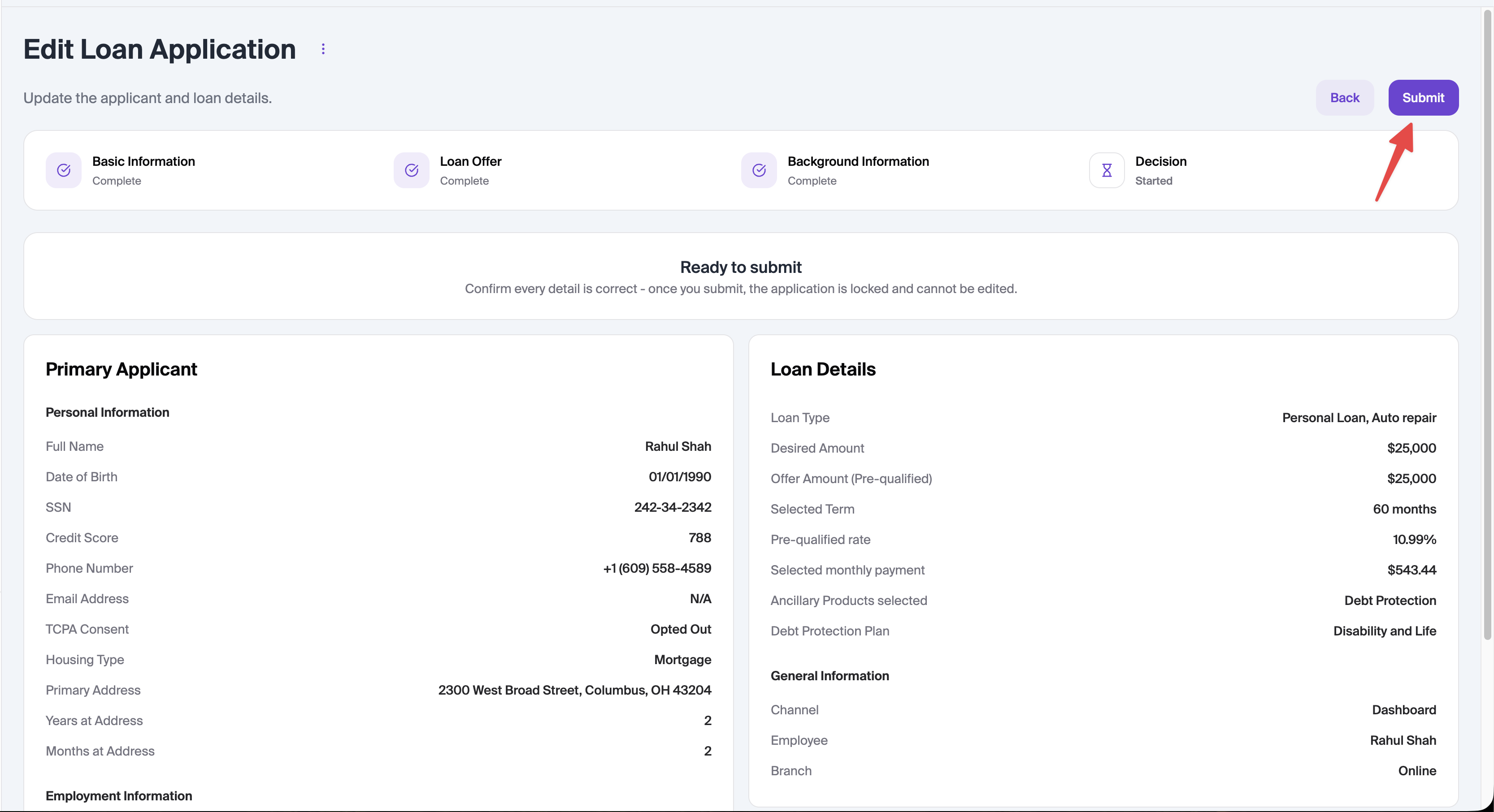
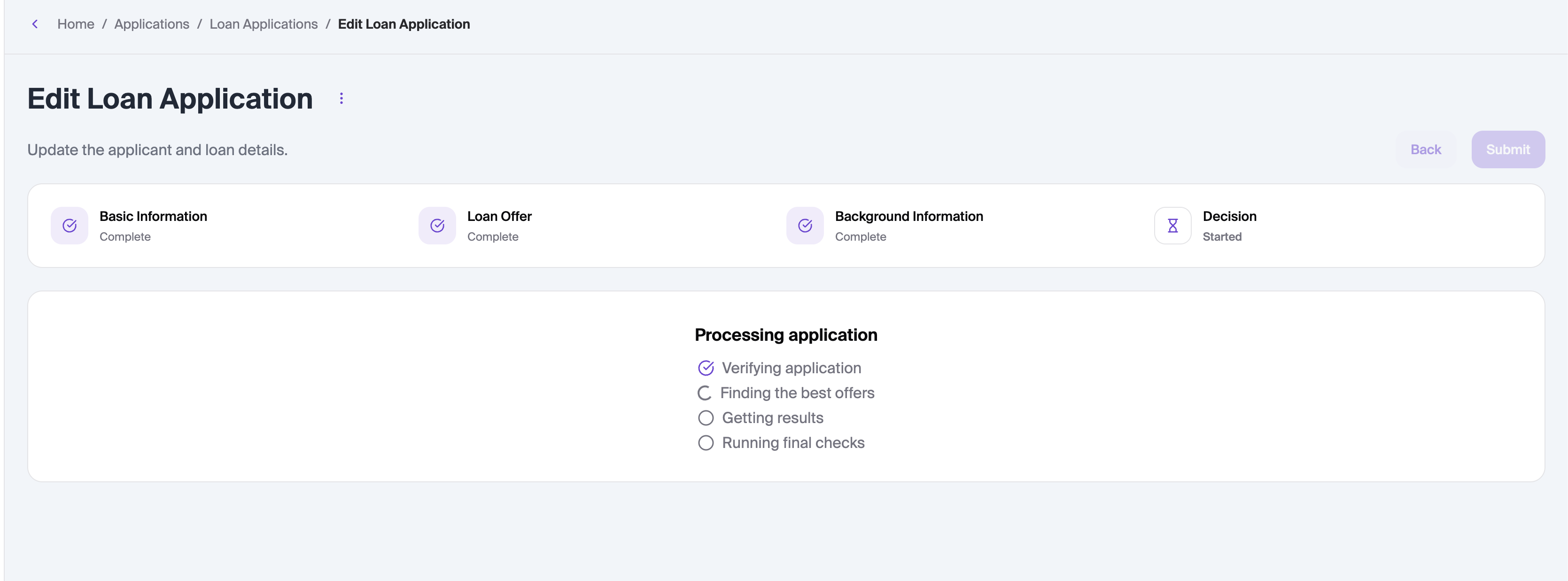
Once submitted, you will be taken to the loan application overview page