Staff Dashboard Configuration Options
Last updated: September 23, 2026
Overview
The Glide dashboard offers several optional configurations to tailor the user experience and workflow to your FI's specific needs. Below is a detailed breakdown of each setting on the Staff Dashboard.
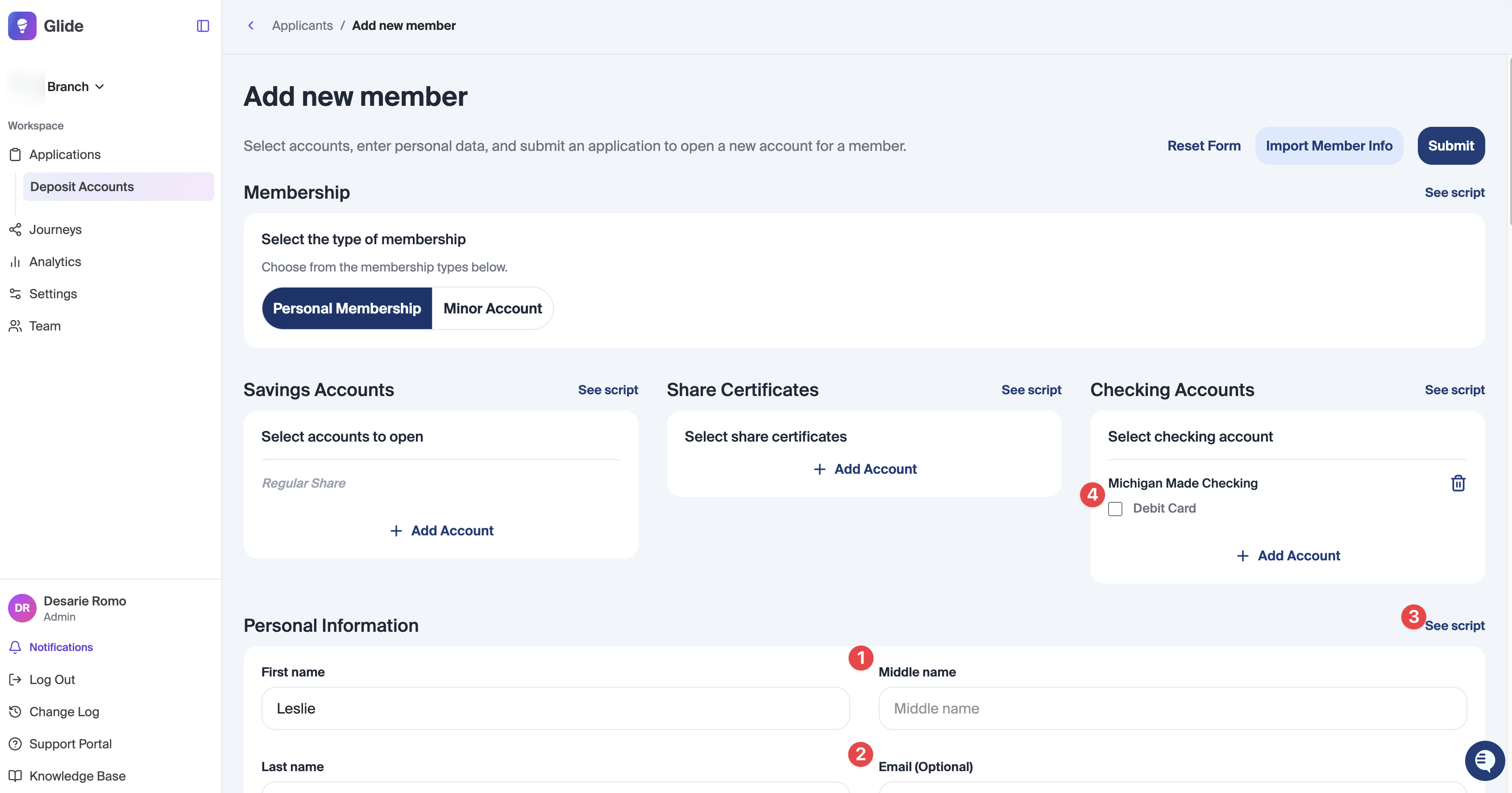
Middle Name Field
When Enabled, a dedicated "Middle Name" text field is added.
FI Benefit: Best for FI's requiring full legal names for compliance etc.
Optional Email Address
Make the "Email Address" field optional for all applicants, including roles.
*Note: Glide recommends requiring an email address to ensure automated notifications.
Scripts
When Enabled, you can input custom instructional text that appears when a staff member clicks the "See Script" button during applicant onboarding.
FI Benefit: Perfect for providing "Standard Operating Procedures" or phone scripts to ensure staff collect the right information every time.
Ship Debit Card Button Visibility
When Enabled, the "Ship debit card" checkbox is visible during the membership setup process.
FI Benefit: Creates the card record on the core during the account opening process.
Suffix Field
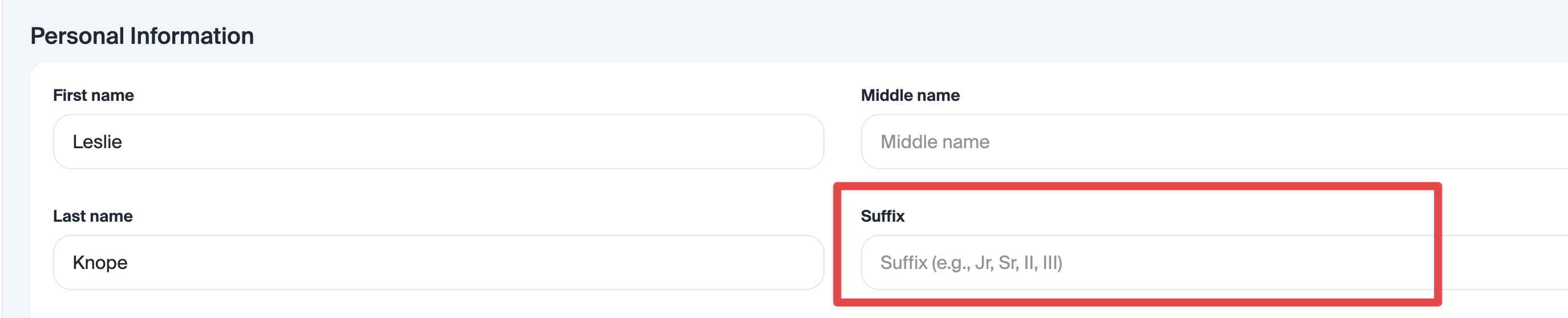
When Enabled, a dedicated "Suffix" text field is added as optional.
FI Benefit: Best for FI's requiring full legal names for compliance etc.
Employee List Visibility
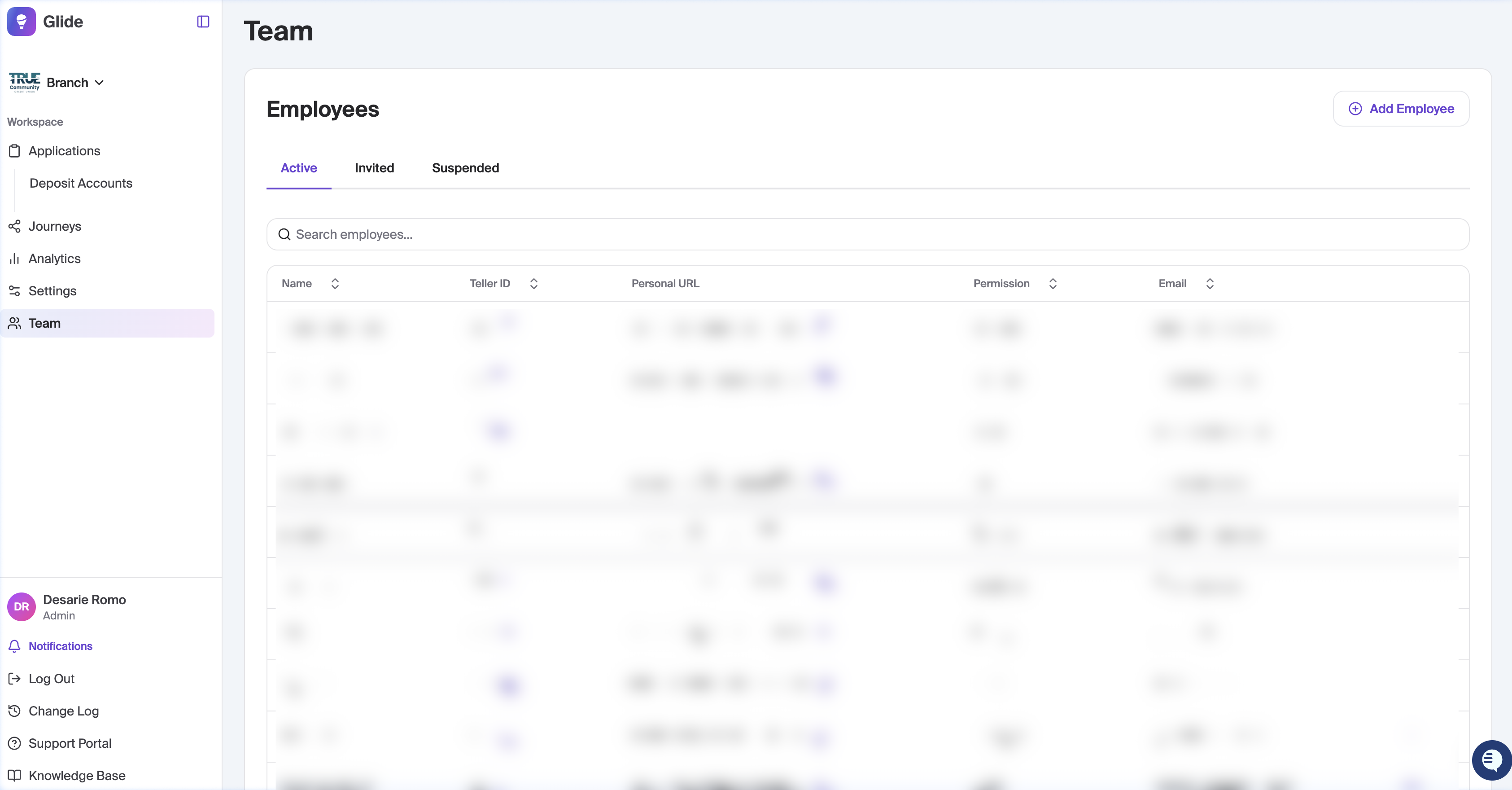
When Enabled, the full employee directory on the Team page is hidden from non-admin users.
FI Benefit: Keeps the 'Team' list only visible to Admin.
Personal URL (PURL) Visibility
When Enabled, employees are restricted to viewing only their own unique QR codes and Personal URLs.
FI Benefit: Prevents accidental sharing of QR and Personal links between staff members.
Backup Withholding Text
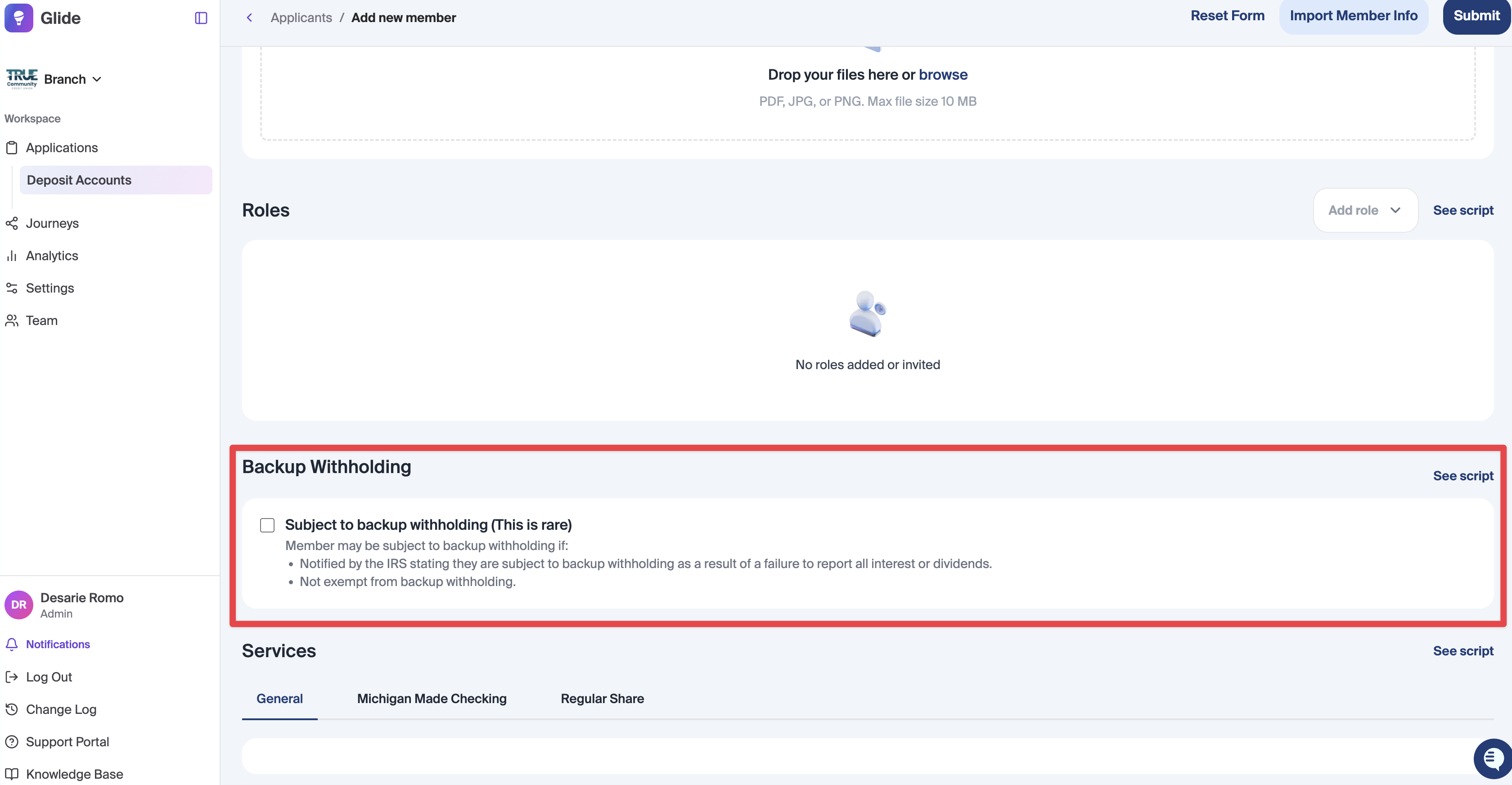
We allow FI's to adjust the text presented to staff members when adding a new applicant on the dashboard.
*Note: If you would like to update this text, provide updated text to your DPM.
Topaz Signature Capture Visibility
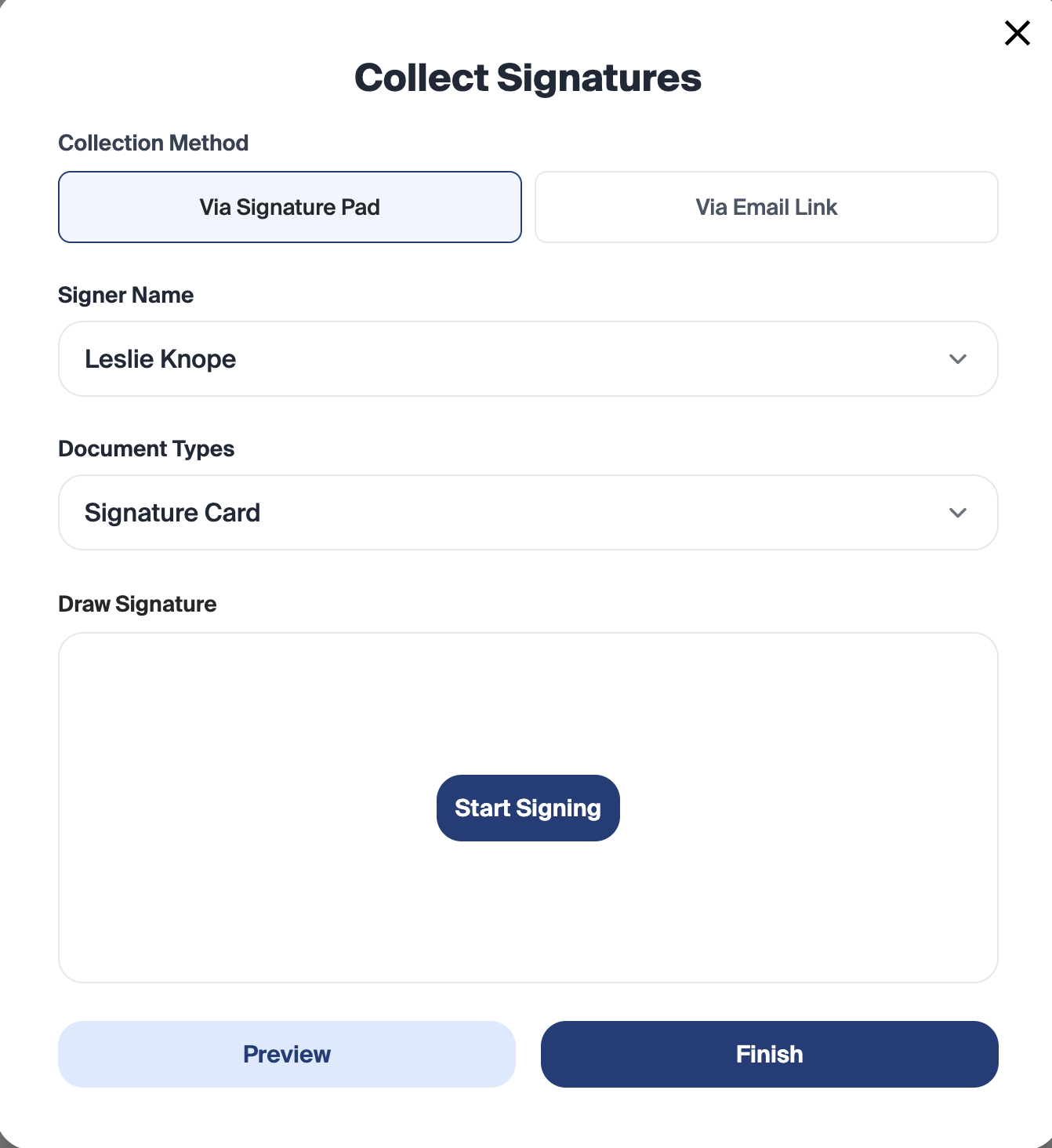
If Enabled, A "Collect Signature via Signature Pad" button will appear during the in-branch application process.
FI Benefit: Enable this if your branches are equipped with Topaz hardware for physical signature capture.
Require Signature Collection
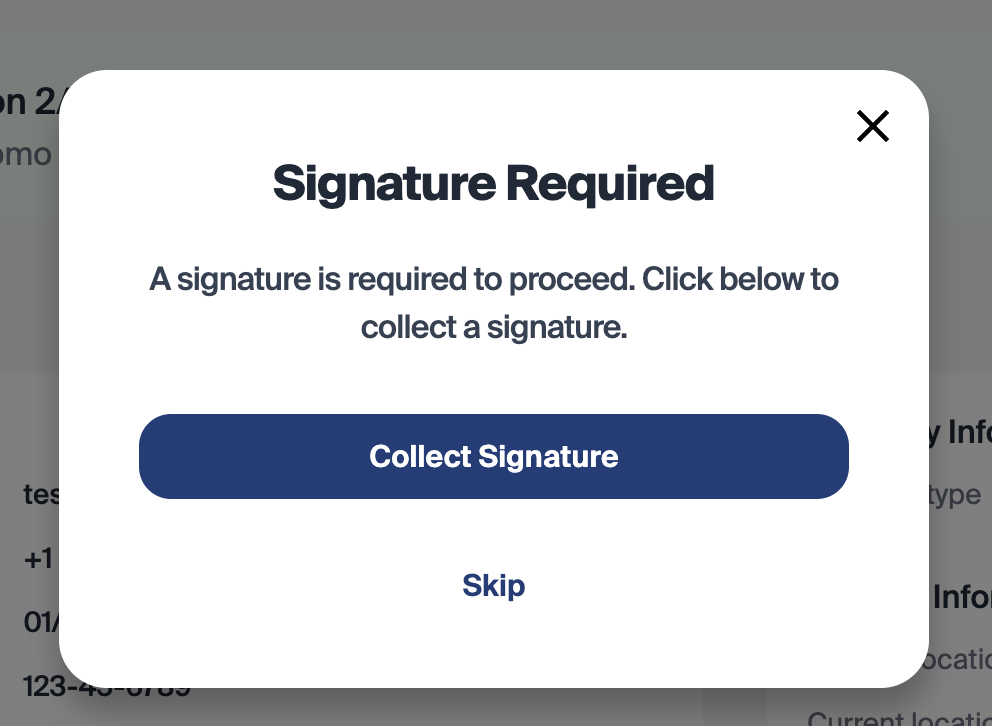
If Enabled the system will prompt the staff member to collect signatures upon Approval of an application.
FI Benefit: Enable this to ensure signatures are being collected at the time of an application being approved and tracks any skips in the activity trail.
Application View Logging in Activity Trail
Adds an activity trail entry when a staff member views an application on the dashboard. Repeated views or page reloads by the same employee on the same application will only log once every 15 minutes.