Account Number Format Configurations
Last updated: September 23, 2026
Product terminology: Banks generally use “certificate of deposit” (CD); credit unions use “share certificate.” This guide retains exact product labels and core terms such as “share,” “Share ID,” and “membership level” where they identify specific fields or records.
Overview
Glide supports various ways to display account numbers on the Glide digital channel and dashboard. FIs have great flexibility in what account number the want to display and use across Glide.
There are three places where FIs can control the format account number gets displayed:
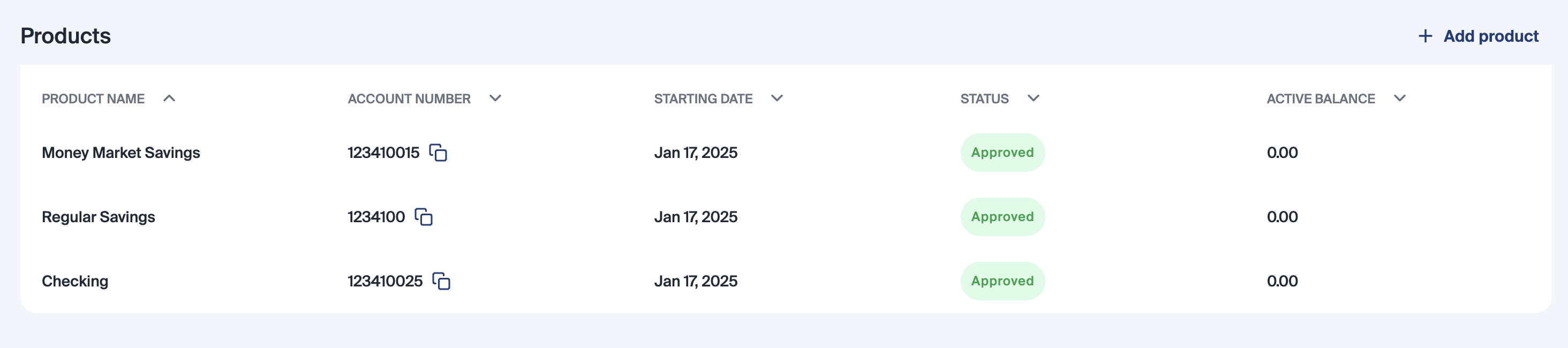
Dashboard
The account number field on the dashboard is shown in the Products Table. This is what staff members see when working applications.
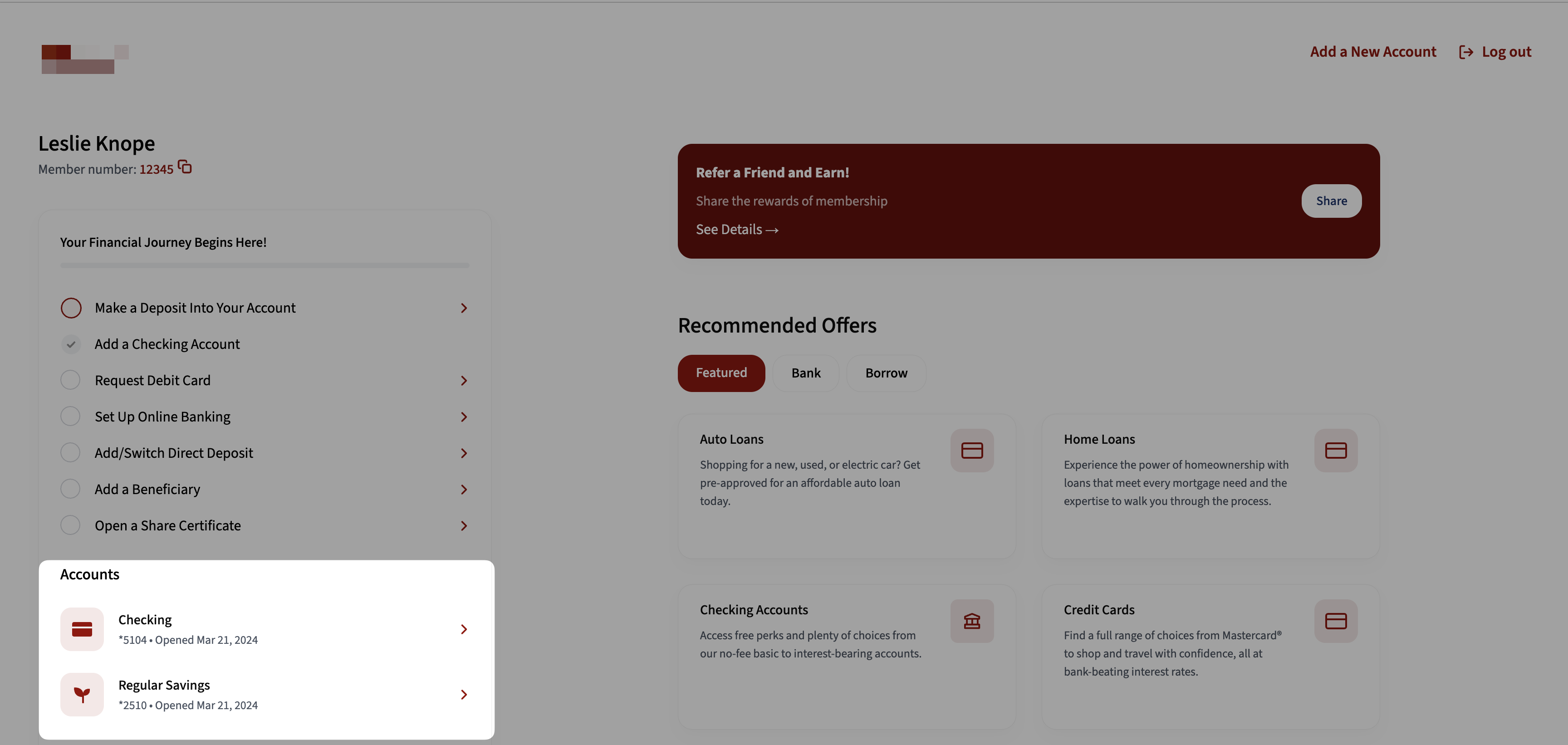
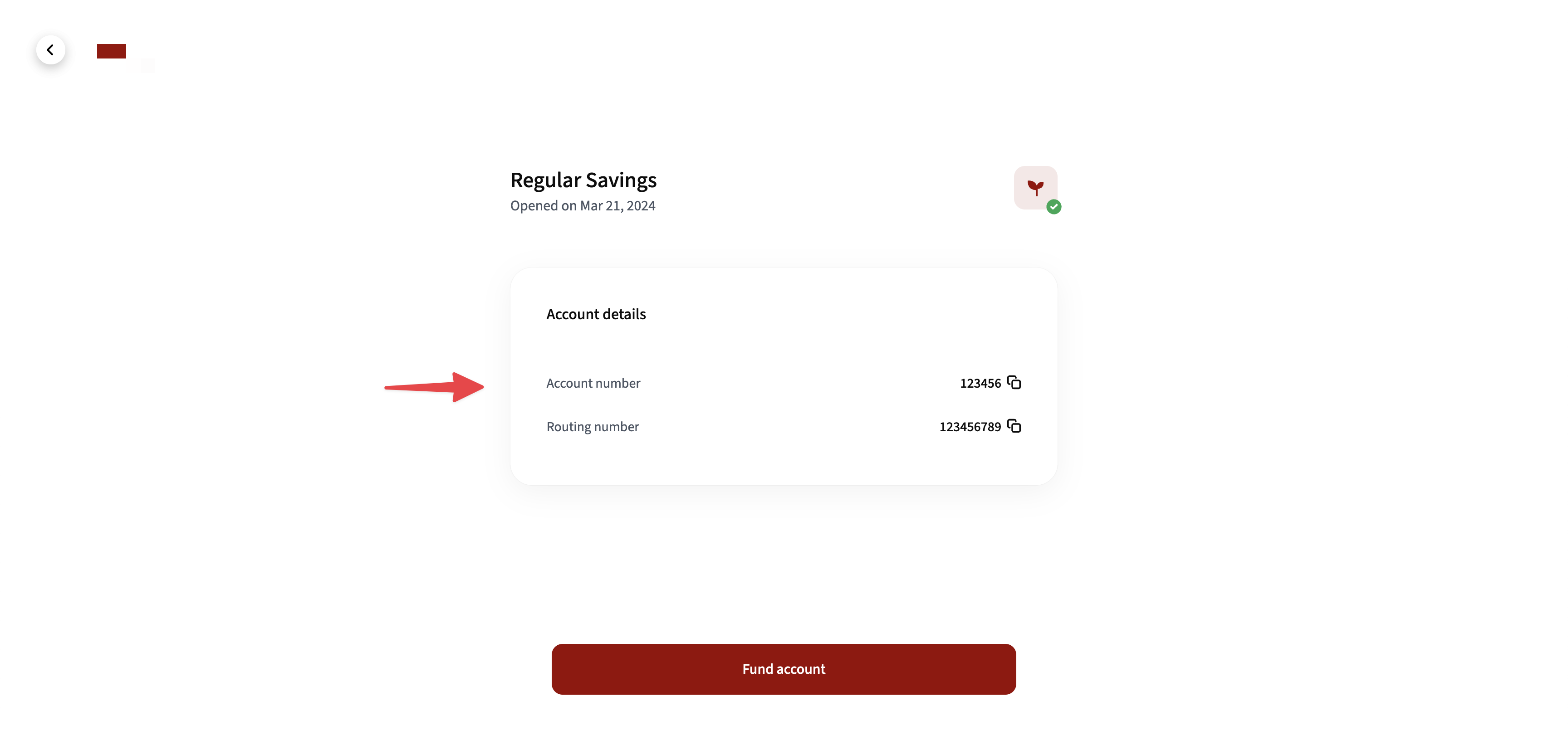
digital channel
The format of the account number shown to applicants during the account setup and funding process.
Funding
Format of account number to be shown on the NACHA file and sent to payroll companies when an applicant asks to update direct deposit.
Configuration Questionnaire
For each location (Dashboard, digital channel, and Funding), please state the format of the account numbers you'd like to display for each account type (Savings, Checking, Share Certificates). Please add your preferred format for each of the following options:
Dashboard:
Savings Accounts:
Checking Accounts:
Share Certificates:
Funding:
Savings Accounts:
Checking Accounts:
Share Certificates:
digital channel:
Savings Accounts:
Checking Accounts:
Share Certificates:
Leading zeroes can be removed, by request.
Example Configuration:
Dashboard:
Savings Accounts: Member Number + Share ID
Checking Accounts: MICR Format*
Share Certificates: Member Number + Share ID
Funding:
Savings Accounts: Member Number + Share ID
Checking Accounts: MICR Format*
Share Certificates: Member Number + Share ID
digital channel:
Savings Accounts: Member Number + Share ID
Checking Accounts: MICR Format*
Share Certificates: Member Number + Share ID
*FIs have complete control on MICR format formula.