Rescinding Approved Applications
Last updated: September 23, 2026
Overview
Occasionally, you may need to rescind an approval on an application. This option is available in the dashboard for Approved and Auto-Approved applications.
Steps
First, you will go to the application you are looking to rescind. Next, you can rescind the approval. This can be done by clicking the decisioning dropdown and clicking “Rescind Approval.”
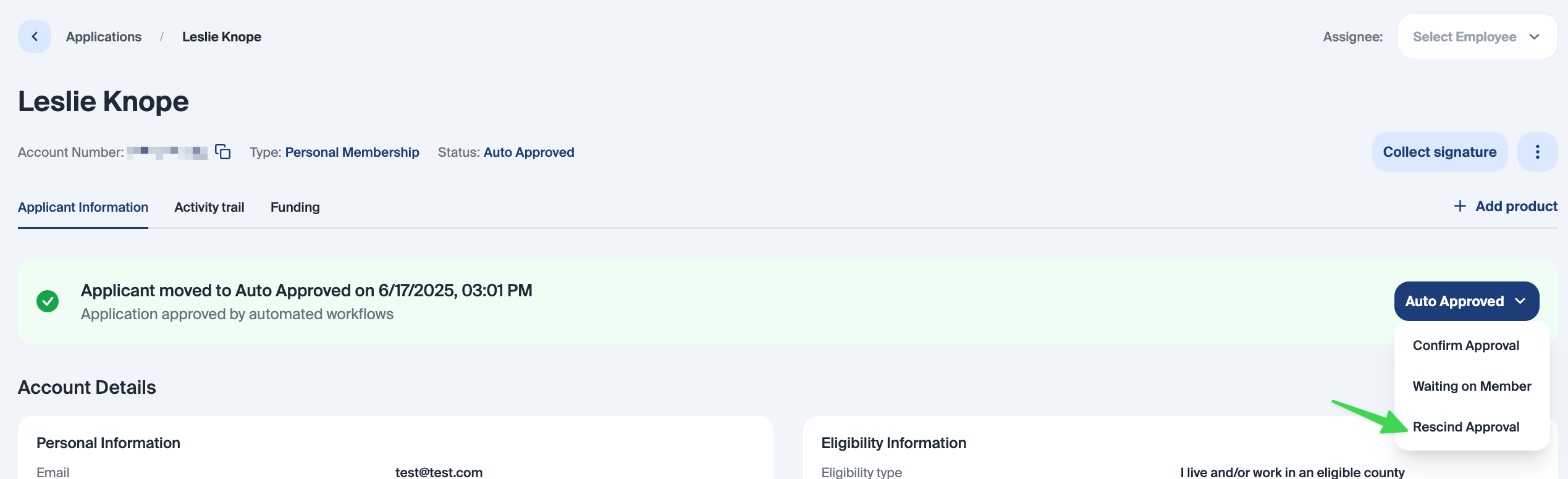
Once you click “Rescind approval,” you have the option to exit out of the pop-up and keep the membership open or proceed with rescinding the approval.
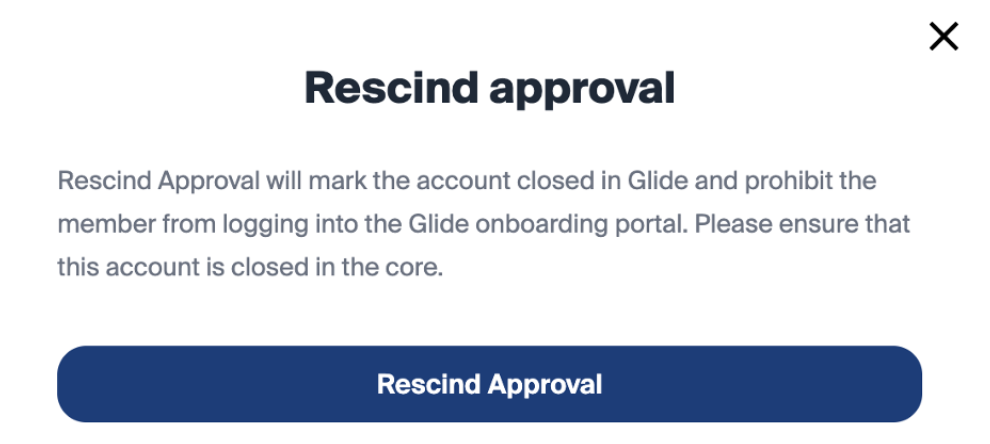
Rescinding the approval will automatically close the application within Glide, but you will need to ensure that the account is closed in the core.
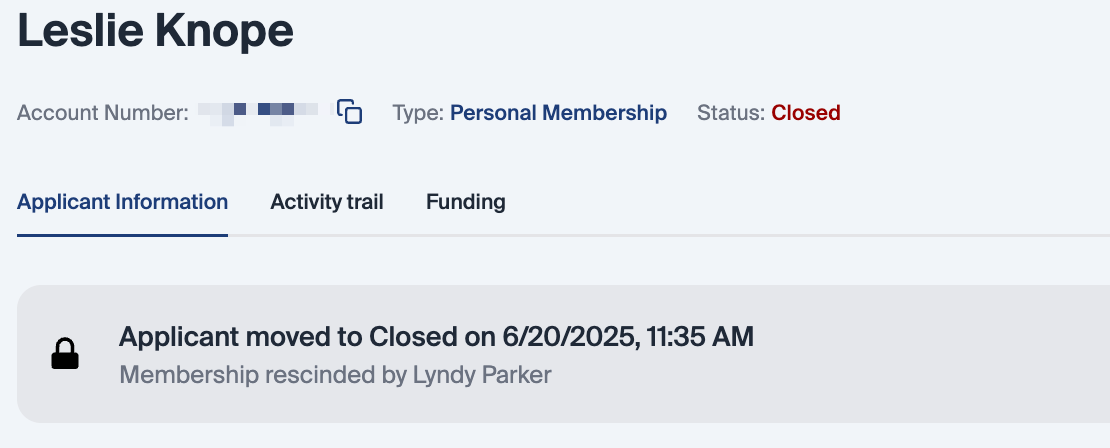
This action is notated in the activity trail, and the application can be seen by filtering the application status to “Closed.”
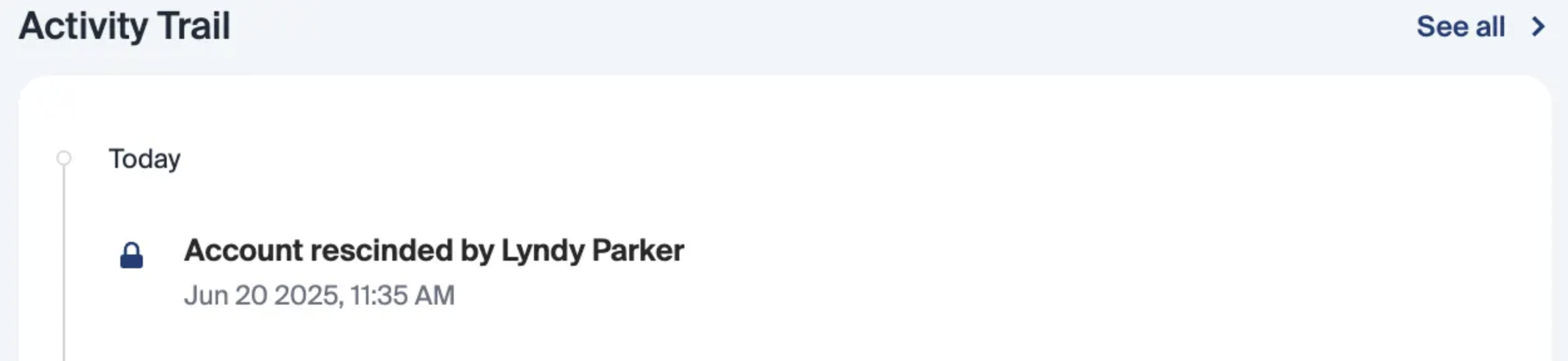
Once an approval is rescinded, this is permanent and cannot be changed. This will also prevent the applicant from logging into the onboarding portal. The applicant is able to apply for a new membership at anytime.