Blocking Applicants in the Dashboard
Last updated: September 23, 2026
Overview
Glide enables you to block specific applicants from submitting applications via the digital channel by using the “Block Member” function in the dashboard.
Blocking ineligible users helps ensure that only qualified applications reach your financial institution. This reduces time spent reviewing ineligible submissions, improves downstream conversion rates, and ultimately strengthens both applicant experience and operational efficiency.
Dashboard Experience
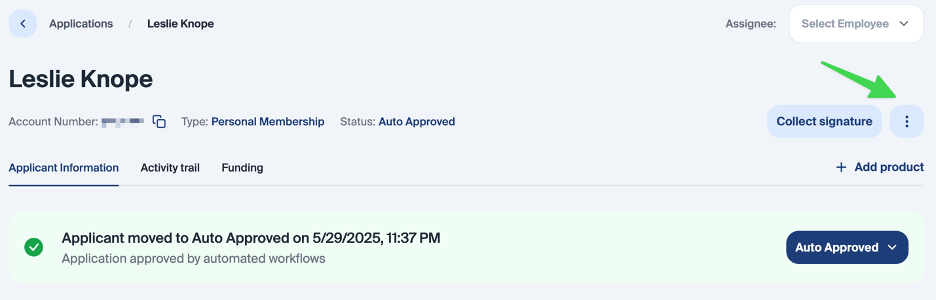
To do this, select “Block Member” from the dropdown menu below.
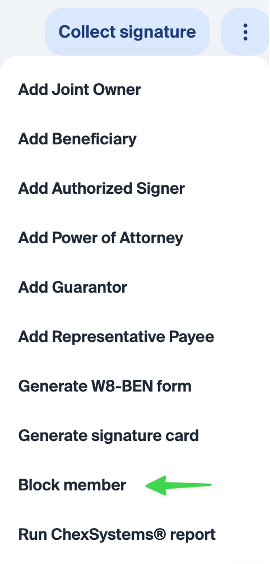
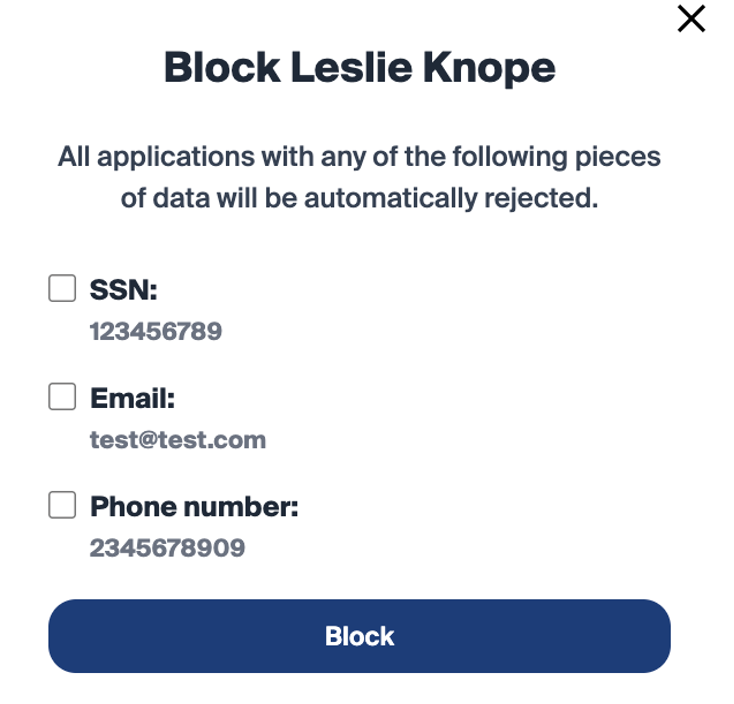
You can block an applicant using their SSN, email address, phone number, or a combination of all three.
Once an applicant has been blocked, the application and all shares will be marked as closed (please ensure this also closes in the core).
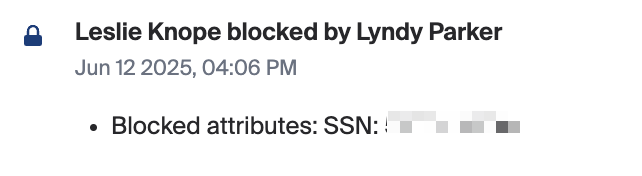
This action is notated in the activity trail and will state that the applicant was blocked, including the employee name and the attributes that were blocked.
Applicants can be unblocked at any time; however, this will not reopen the application or the membership in the core.
As a note, we can support mass blocking. A CSV or Excel file can be sent to Glide with a list of SSNs, emails, and/or phones to block.
When you block ineligible users at scale, you reduce the number of unqualified applications that reach your financial institution. This creates two key benefits:
Higher downstream conversion rates: the applications that do come through are more likely to be qualified.
Time savings for the FI: employees spend less time reviewing and processing ineligible applications.
Together, these both improve both the applicant experience and FI efficiency.
digital channel Experience
If a blocked applicant submits a new application via the digital channel they will be auto-denied if any of the information in the application matches the blocked attributes (SSN, email address, or phone number).
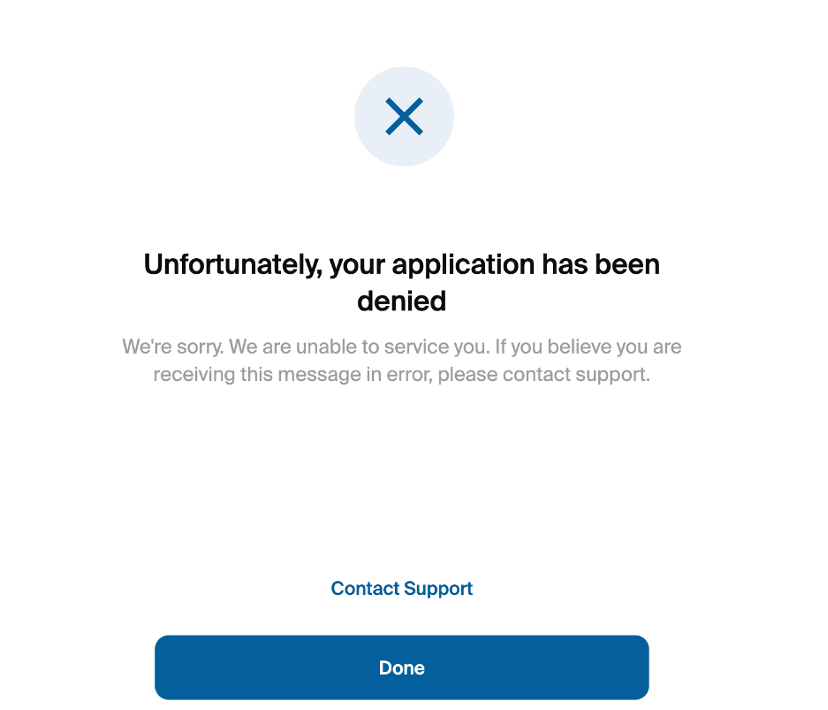
The denial reason will say Fraud Checks require manual review. These applications can be found in the Denied queue.

As a note, we do not currently support blocking roles in the dashboard. This can be done manually by Glide, but a request would need to be made to your DPM.